
01
See the screen
AirPlay sends the display to the board. It forwards the video over Bluetooth to the app on your iPhone.
Open apps, change settings, and set alarms with a plain-language instruction. Connect an ESP32-S3 and choose a vision model. No jailbreak required.
Setup needs a Mac with Xcode. Once installed, tasks run with just your iPhone and the board.
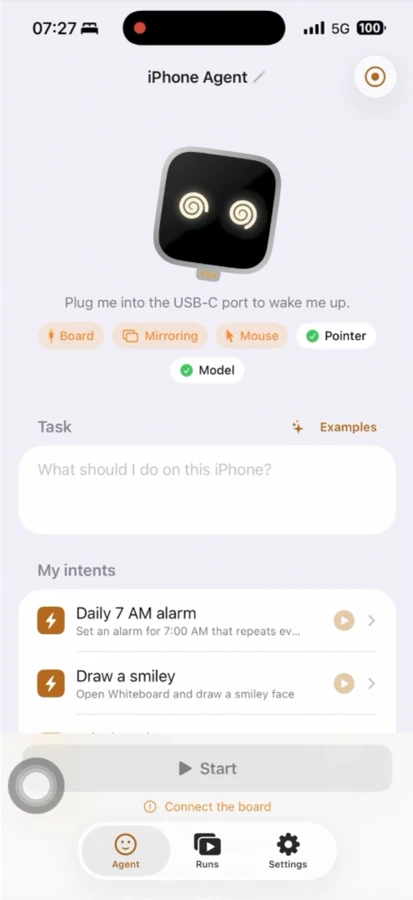
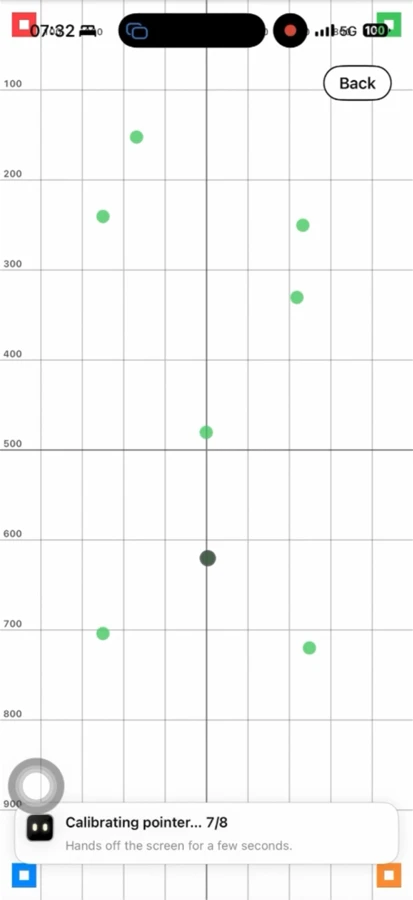
The board receives the screen and sends mouse and keyboard input. The iPhone app connects to your model to decide each step.
AirPlay sends the display to the board. It forwards the video over Bluetooth to the app on your iPhone.
The app sends a screenshot to your vision model. A planner and actor turn your goal into actions.
The board acts as a USB mouse and keyboard. AssistiveTouch turns pointer movements into taps and swipes.
Specify a time and repeat days. The agent opens Clock and edits the alarm. Replay the run afterward to inspect each action.
Demo details and task examples“Set an alarm for 8:00 AM every Monday and Tuesday, then save it.”
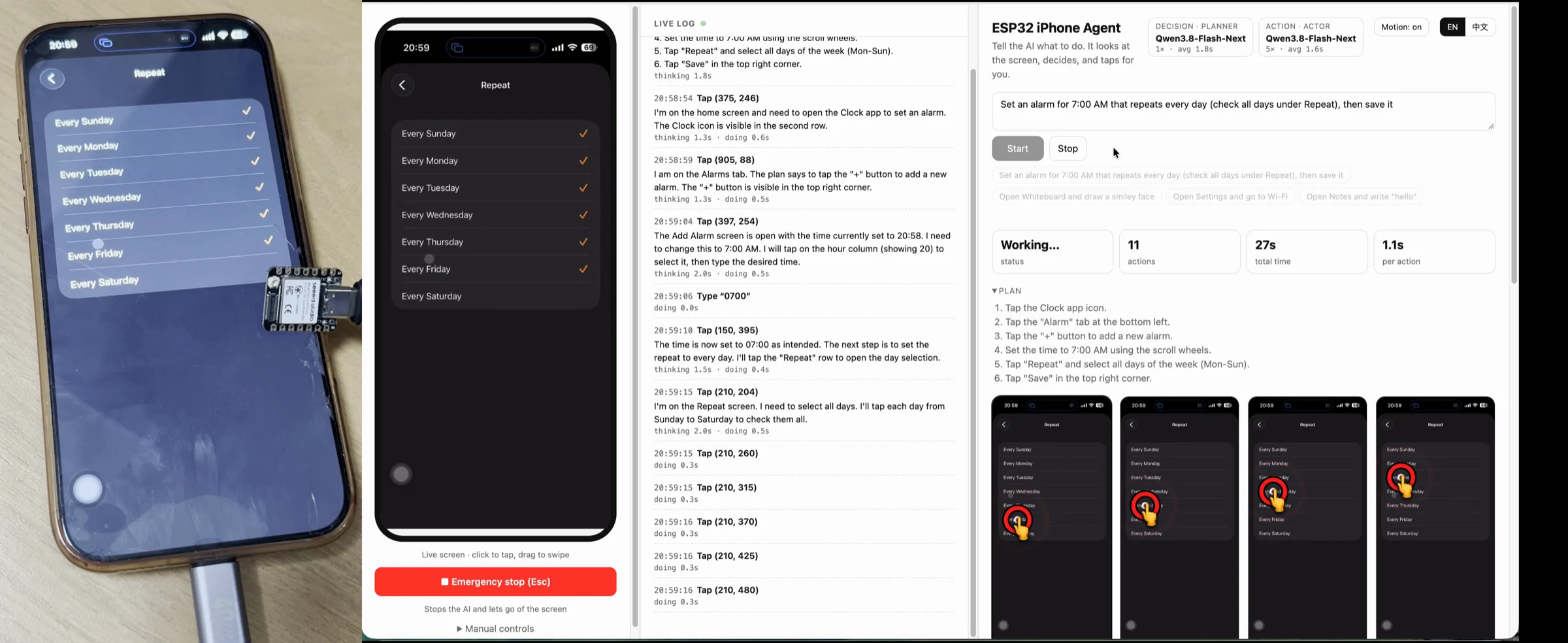
Follow the complete guide, or go straight to the step you need.
Currently supports portrait apps and ASCII keyboard input. Keep the phone unlocked; passcode screens, Apple Pay, and protected video cannot be seen.
Check requirements and limitationsFor initial setup, yes: the documented workflow uses a Mac to flash the board and build the iPhone app in Xcode. Once installed, the agent runs with just the iPhone and board.
No. That is the approximate price of the tested ESP32-S3 board. You also need an iPhone, access to a Mac for setup, and a vision-model endpoint. Adapters, cellular data, and model usage may add costs.
No. The board uses AirPlay screen mirroring and standard USB mouse and keyboard input through AssistiveTouch.
The current setup uses the board’s Wi-Fi hotspot for mirroring and cellular data to reach the model. A self-hosted model still needs an endpoint the phone can reach.
Flash the board, install the app, and check your first task with the step-by-step guide.